

The market for AI customer service software is projected to reach $58.3 billion by 2030, growing at a 24.9% CAGR (Grand View Research). But with dozens of platforms claiming AI-powered support, how do you choose the one that actually delivers?
Most companies waste months evaluating tools that look intelligent in demos but fail in production. The core problem: generic AI wrappers hallucinate, legacy platforms bolt on AI as an afterthought, and pricing models are designed to scale costs alongside your tickets — not reduce them.
This guide helps you cut through the noise. Whether you are a startup evaluating your first AI support tool or an enterprise replacing a legacy system, you will walk away with a clear framework for choosing AI customer service software that actually works.
What Is AI Customer Service Software (And What It Is Not)
AI customer service software is a platform that uses artificial intelligence — typically large language models (LLMs) combined with Retrieval-Augmented Generation (RAG) — to automatically understand, respond to, and resolve customer inquiries across channels like chat, email, and messaging apps.
It is not:
- A simple FAQ page with a search bar
- A rule-based chatbot with scripted decision trees
- A ticketing system that routes requests to humans (like traditional Zendesk or Freshdesk without AI layers)
- A generic ChatGPT wrapper that generates answers from the open internet
True AI-powered customer service platforms ground every response in your verified business data — product docs, help articles, internal policies — and refuse to answer when they do not know, rather than hallucinating plausible-sounding nonsense. If you want to understand the technical architecture behind this, read our deep dive on how AI answer engines work.
7 Must-Have Features in AI Customer Service Software
Not every platform that calls itself "AI-powered" delivers the same capabilities. Here are the non-negotiable features to evaluate:
1. RAG-Grounded Accuracy
The platform must generate answers exclusively from your knowledge base — not from its general training data. Look for Retrieval-Augmented Generation (RAG) architecture with source citations in every response.
2. Omnichannel Deployment
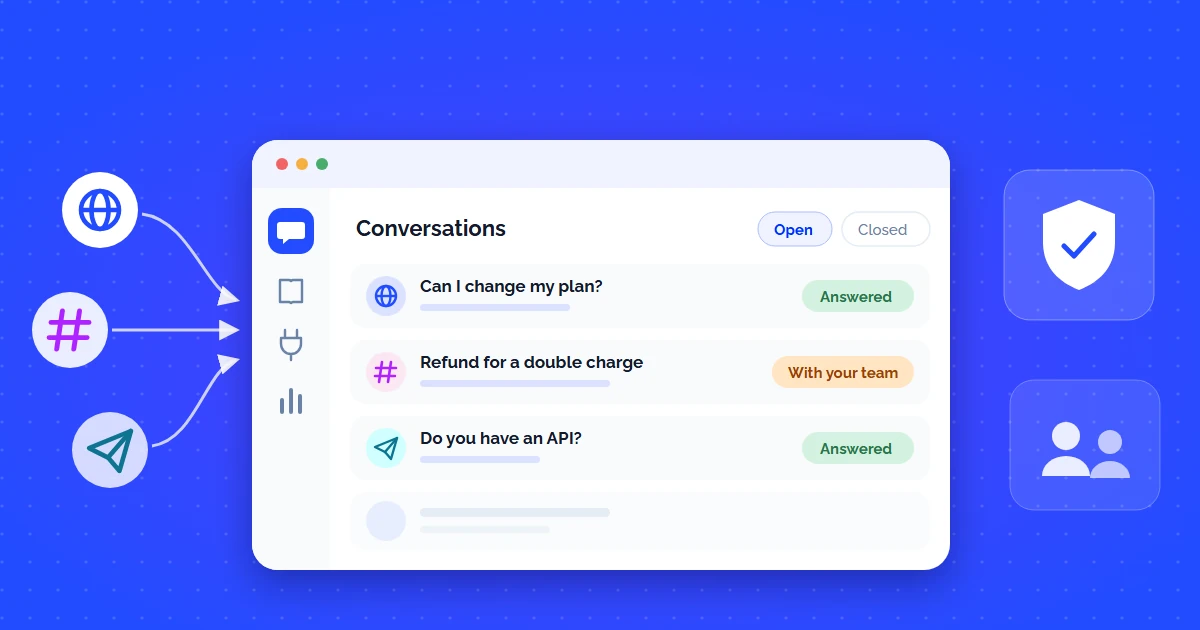
Deploy the same AI agent across website widget, Slack, WhatsApp, email, and messaging apps — with consistent context across channels. One knowledge base, everywhere.
3. Conversation Analytics
Real-time dashboards showing resolution rates, unanswered questions, customer satisfaction, and knowledge gaps. If you cannot measure it, you cannot improve it.
4. Enterprise Security
SOC 2 compliance, data encryption at rest and in transit, tenant isolation, and guardrails against prompt injection and jailbreak attacks. Non-negotiable for regulated industries.
5. Native Integrations
Out-of-the-box connections with your CRM (Salesforce, HubSpot), helpdesk (Zendesk, Intercom), and knowledge tools (Notion, Confluence). If it requires custom API work for basic integrations, walk away.
6. Fast Setup (Minutes, Not Months)
The best AI customer service platforms let you go live in under 10 minutes by crawling your existing website or uploading documents — no ML engineers required.
7. Intelligent Human Handoff
When AI cannot answer, it should seamlessly escalate to a human agent — with full conversation context, not a cold transfer. The best platforms route to Slack, email, or your existing helpdesk.
AI Customer Service Software: 3 Pricing Models Explained
Pricing is where most platforms hide the real cost. Here is how the three dominant models work — and which one makes sense for your volume:
| Model | How It Works | Typical Cost | Best For | Hidden Risk |
|---|---|---|---|---|
| Per-Agent Seat | Pay for each human agent who uses the platform | $49–$150/agent/mo | Small teams (1–5 agents) | Scales linearly with team size — expensive above 10 agents |
| Per-Resolution | Pay per AI-resolved ticket (usage-based) | $0.50–$2.00/resolution | High-volume, repetitive queries | Unpredictable bills during traffic spikes |
| Flat Monthly | Fixed monthly price with included message quota | $49–$499/mo | Startups and growing teams who want predictable costs | Most transparent — check overage rates |
How to Calculate ROI on AI Customer Service Software
Here is the simple math that every buyer should run before committing:
ROI Formula for AI Customer Service Software:

Current monthly support cost:
  Human agents: 5 agents × $4,000/mo salary = $20,000/mo
  Tools: Zendesk + phone system = $1,200/mo
  Total: $21,200/mo

After deploying AI customer service software:
  AI handles: 70% of inbound tickets (example assumption;
              use the rate you measure in a pilot)
  Remaining human workload: 30% (reduce to 2 agents)
  New cost: 2 agents ($8,000) + AI platform ($199/mo) = $8,199/mo

Monthly savings: $21,200 - $8,199 = $13,001/mo
Annual savings: $156,012
ROI: 654% in Year 1
Published ROI studies for AI customer service are mostly commissioned by the vendors they measure, so treat their headline multiples as best cases. The pattern they share is more useful: the highest returns come from deflecting repetitive L1 queries that consume the most agent time, which is why the model above starts from your own ticket mix.
Where each of these numbers comes from, and which costs most business cases leave out, is covered step by step in how to reduce customer support costs with AI.
5 Red Flags When Evaluating AI Customer Service Platforms
- No source citations in responses — If the AI cannot tell you where it found the answer, it is likely hallucinating from its general training data, not your knowledge base.
- "AI-powered" but really just keyword search — Many legacy helpdesks slap an "AI" label on basic search. Ask for a demo with an ambiguous question that requires reasoning.
- Requires ML engineers to maintain — If the platform needs dedicated engineers to train intents, update models, or tune responses, it is not truly self-service AI software.
- No guardrails against prompt injection — Without security guardrails, your AI chatbot can be tricked into leaking internal data or going off-brand.
- Annual contracts with no trial — Any confident vendor offers a free trial or freemium tier. If they lock you into a 12-month contract with no way to test first, that is a red flag.
How CustomerGPT Delivers as AI Customer Service Software
CustomerGPT was built from the ground up as AI-native customer service software — not a chatbot bolted onto a legacy ticketing system. Here is what that means in practice:
- 2-minute setup — Paste your website URL or upload documents. Our parallel ingestion engine indexes up to 1,000 pages on the Starter plan and up to 50,000 on Scale.
- RAG-grounded accuracy — Every response comes from your verified data. Nothing invented from general internet knowledge.
- Omnichannel widget — Deploy on your website with a single script tag. Slack, WhatsApp, and API integrations included.
- Lead capture built-in — Automatically collect emails from interested visitors and send them to your CRM.
- Flat $49/mo pricing — No per-seat fees, no per-resolution charges. Predictable costs that do not punish growth.
Ready to Try AI Customer Service Software That Actually Works?
Set up CustomerGPT in under 2 minutes. Train it on your website, docs, or FAQs — no code required. Start resolving customer queries automatically today.